Project X: Zone In
About the Project

Zone In is a web-based reaction game I created to explore how interactive media can be used in a focused, creative way. Built using HTML, CSS, and JavaScript, the game was a chance for me to combine technical coding skills with user-centered design.
Play Zone InDesign Goals & Inspiration
Initially, I wasn't sure what direction to take for Project X. After discussing some ideas with teachers and classmates, I became inspired to make a game—something simple yet meaningful. That's how I landed on creating a focus-based game designed especially for people with ADHD.
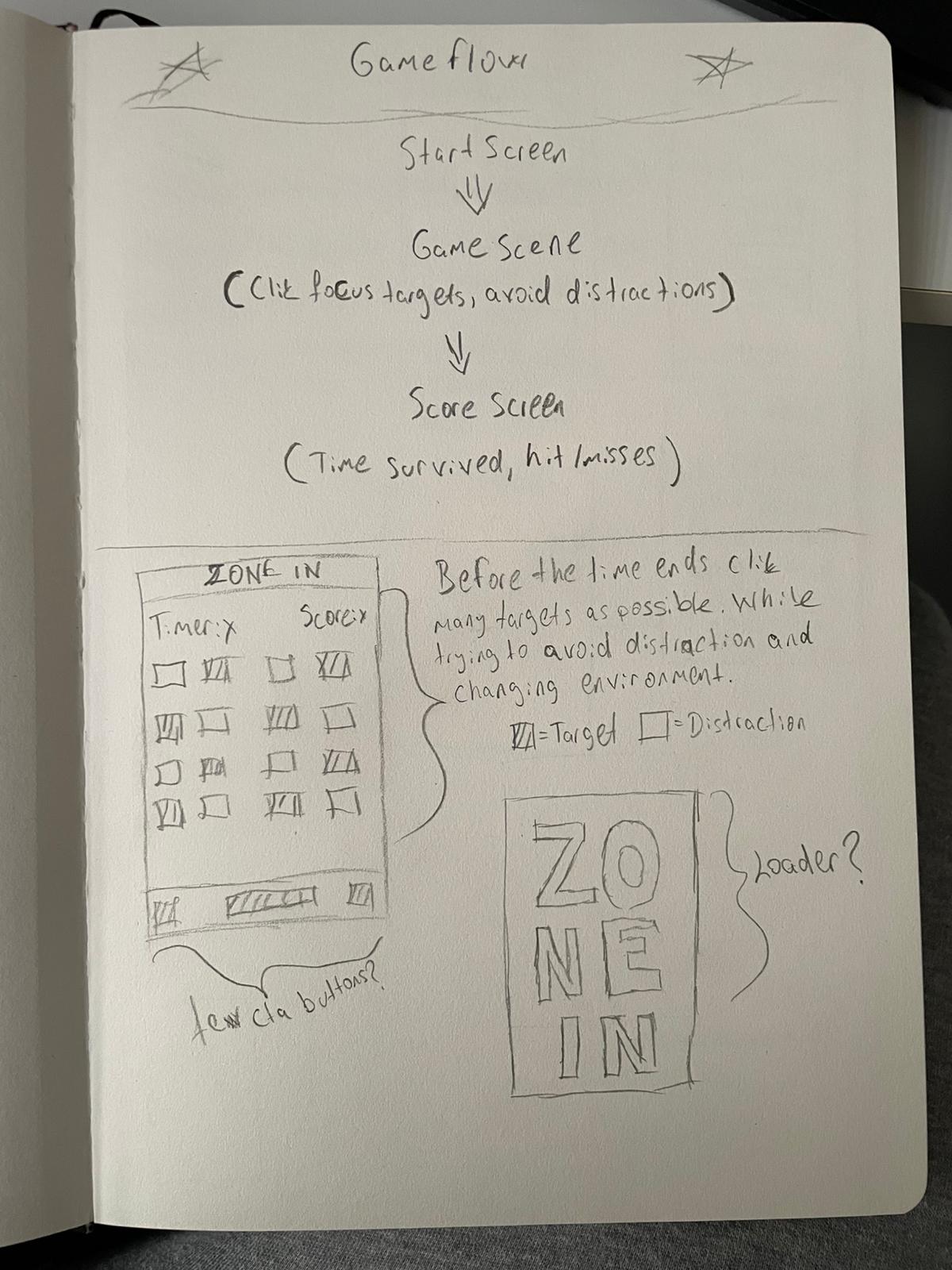
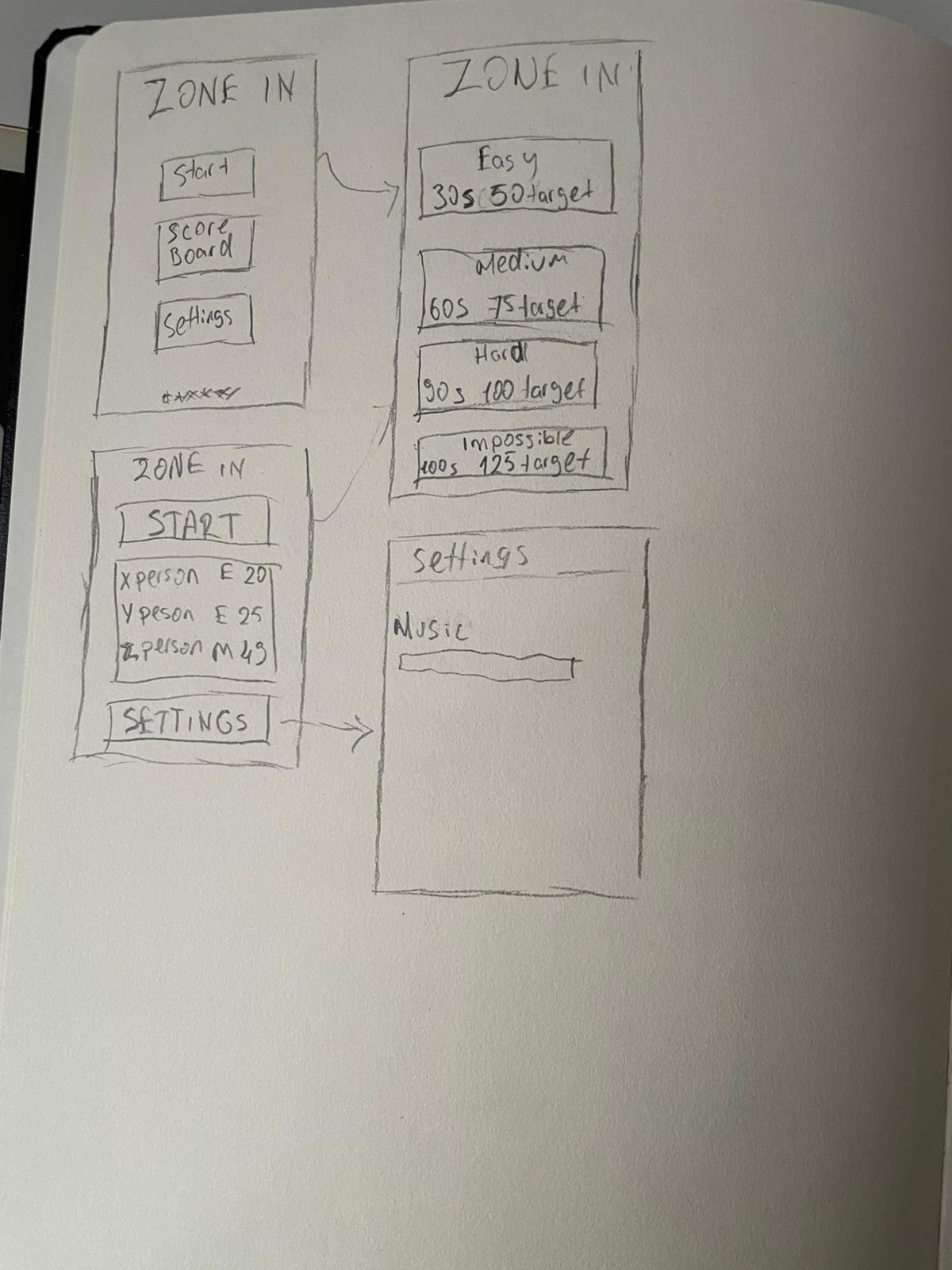
I started with sketches and then moved into Figma to prototype my idea (even if it wasn't fully interactive). I prioritized getting into the code and refining the experience iteratively through testing and feedback.
Promo Materials
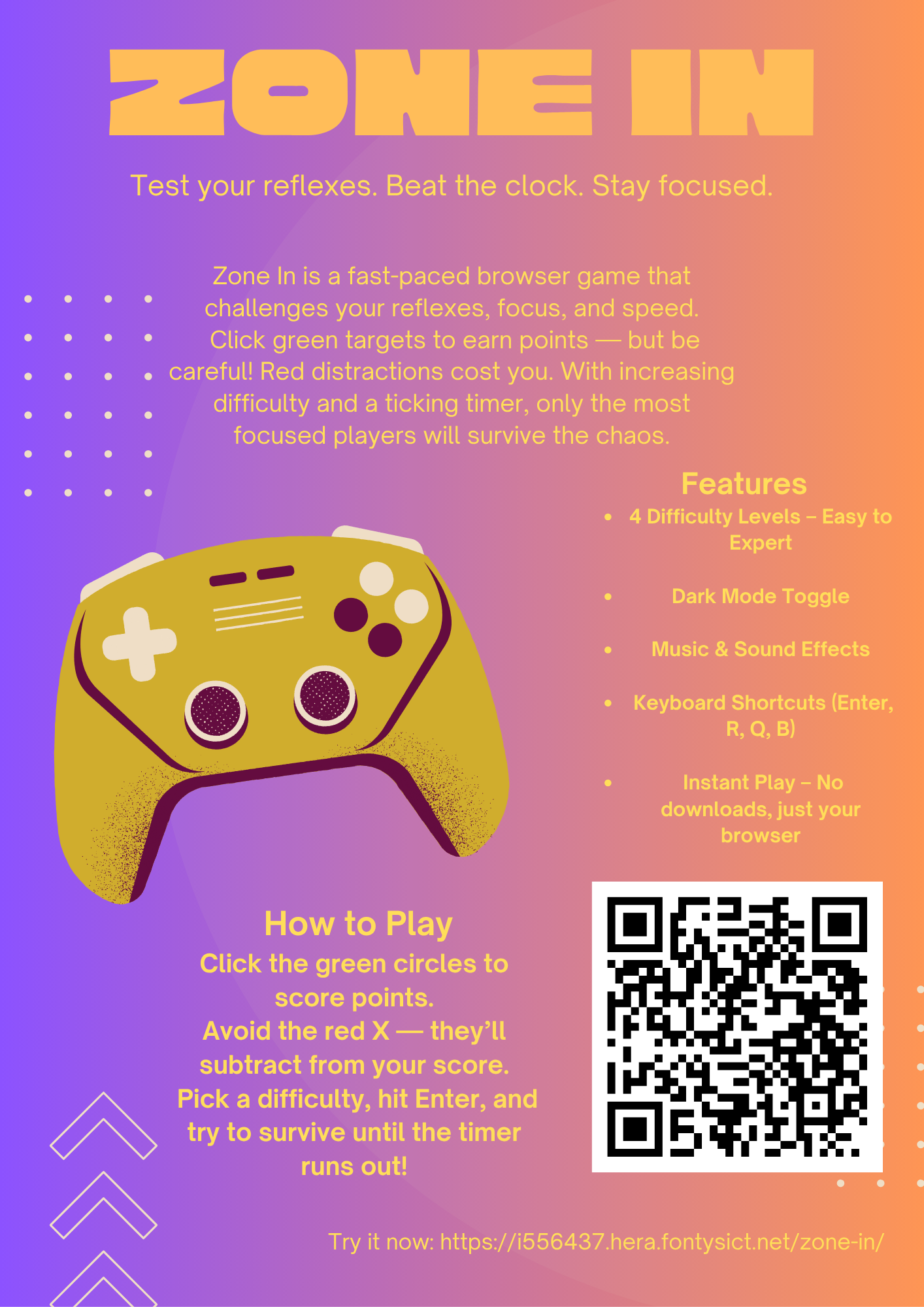
To showcase the project, I created a flyer in Canva and a short AI-generated ad using Sora. These were used for the Project X presentation and to promote the game.
Final Demo Plan - Project X
For the final demo, we'll be presenting our Project X work in a kind of "mini fair" format. That means people (students + teachers) will walk around and visit each stand. When someone stops at mine, I'll explain my project in 1-2 minutes, show the game in action, and then answer any questions they might have. We're divided into two groups — one presenting while the other walks around — so I'll find out on the day when I'm up.
What will I say? Here's the short pitch I'll use when someone comes to my table: "Hey! This is Zone In — a browser game I made that helps train focus and reflexes. I wanted to explore how games can support people with ADHD by keeping things minimal, clear, and fun. I did research on ADHD design needs, prototyped in Figma, then built the game using HTML, CSS, and JavaScript. I also made a flyer and even a short ad video to promote it. Feel free to try it — no downloads needed!" Then I'll point them to the QR code on the flyer or just let them try the game directly on my lapto
Research Insights
To understand how to make the game ADHD-friendly, I did in-depth research on ADHD, including attention, overstimulation, and design considerations for accessibility. I summarized the findings into a report focused on game design and another focusing on ADHD itself:
- Zone In - JavaScript Game Research
- Zone In - ADHD Design Research
- Zone In - Development Reflection Report
Some of the most helpful insights included:
- Keep instructions and interactions minimal and clear
- Use non-overstimulating visuals and sound effects
- Consider ADHD-friendly fonts and spacing
User Testing & Feedback
I did informal user testing with classmates and teachers. The feedback was really encouraging and pushed me to improve both the visual style and functionality of the game.
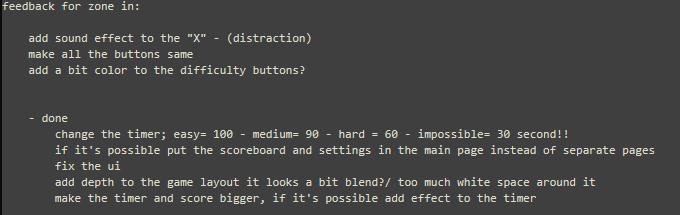
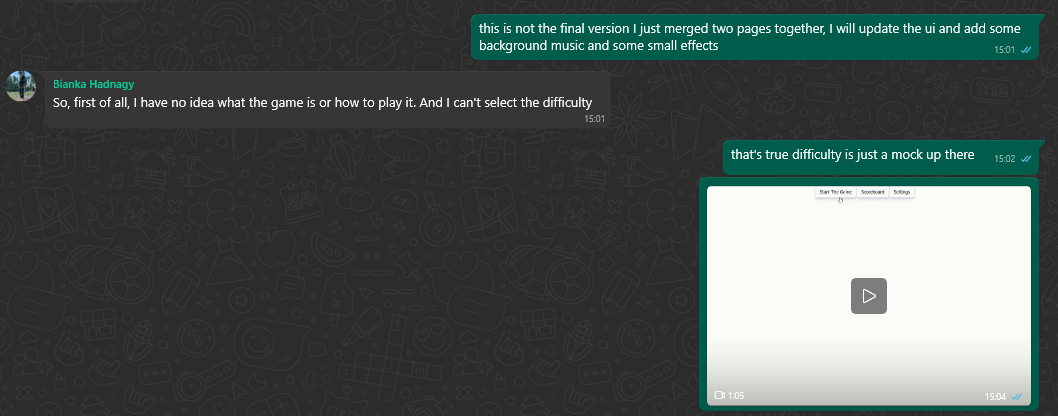
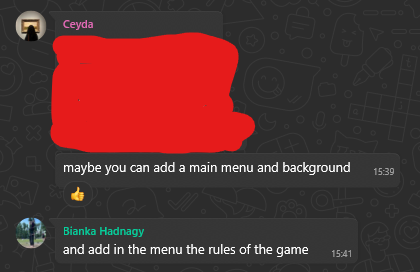
While I couldn't implement every single suggestion, I made significant updates based on the most common feedback points.
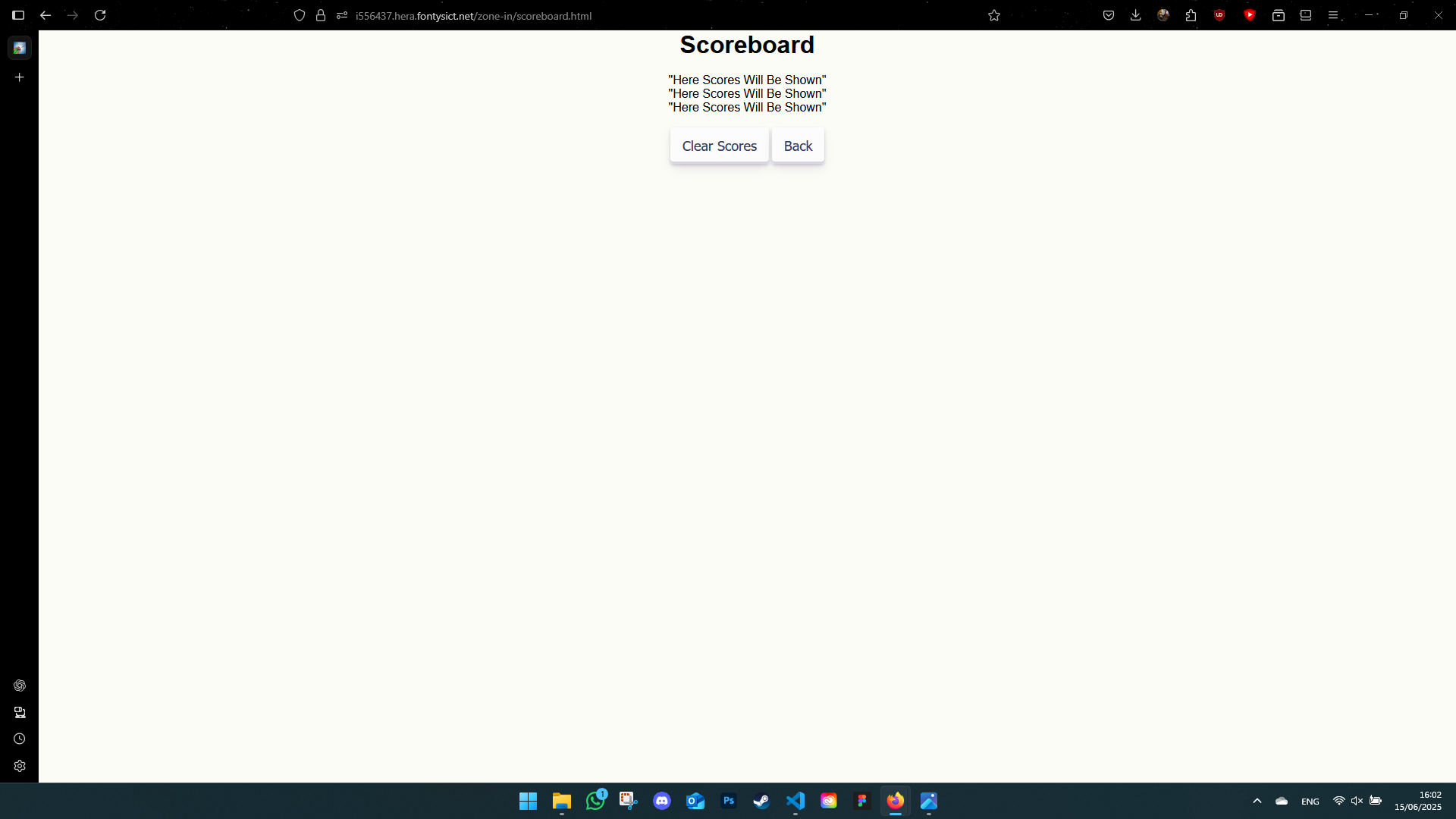
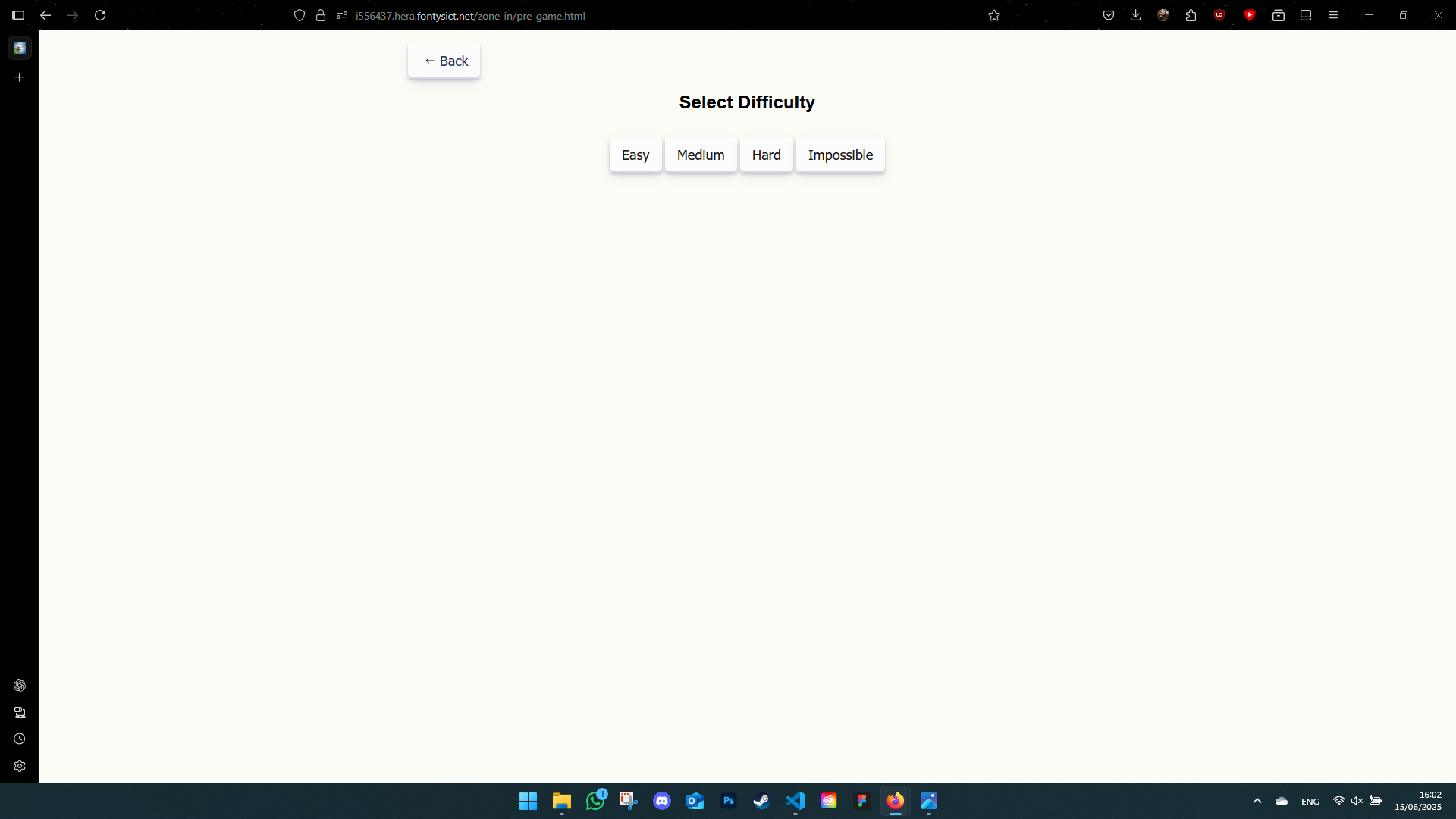
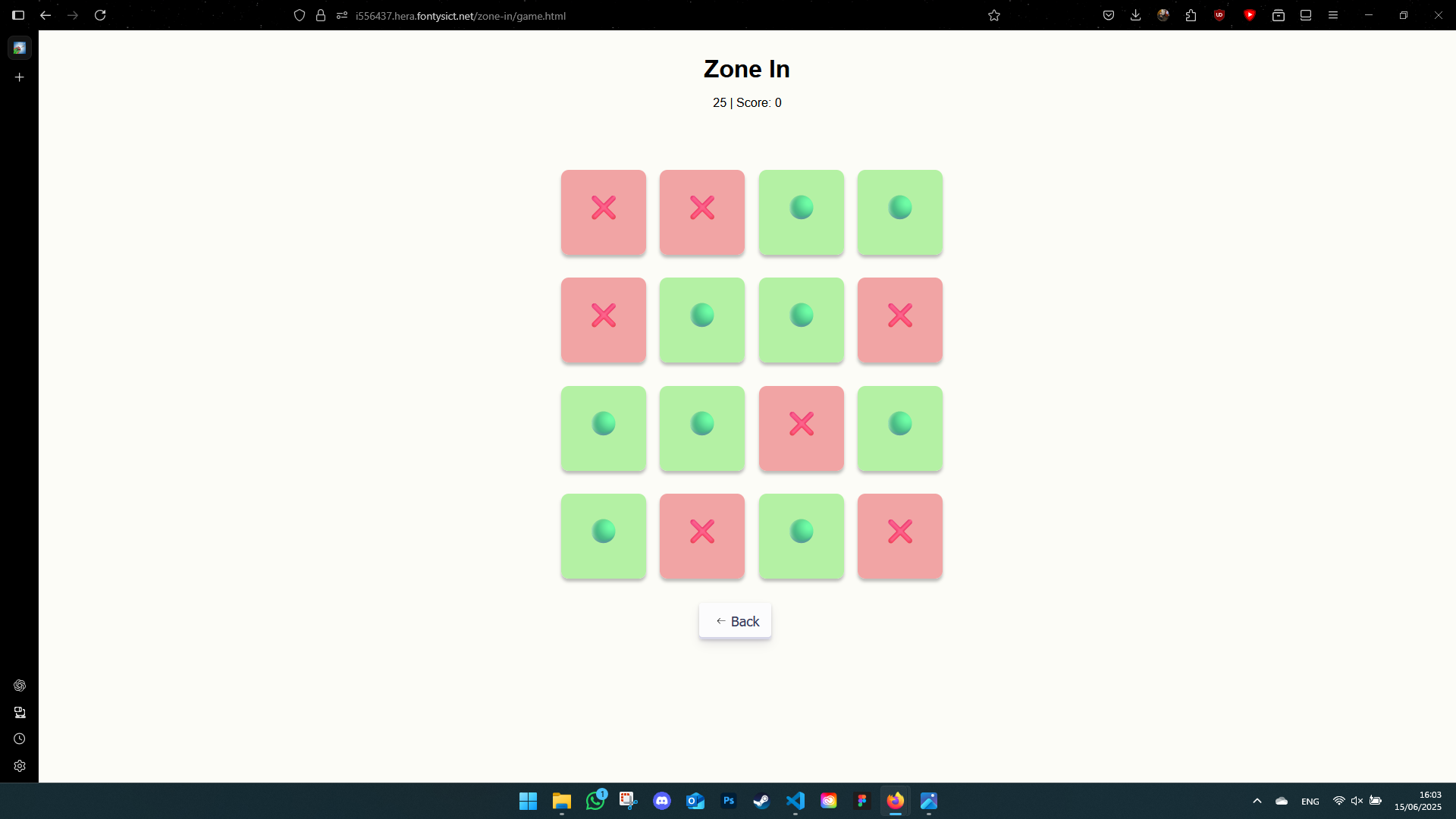
Old Version Screenshots
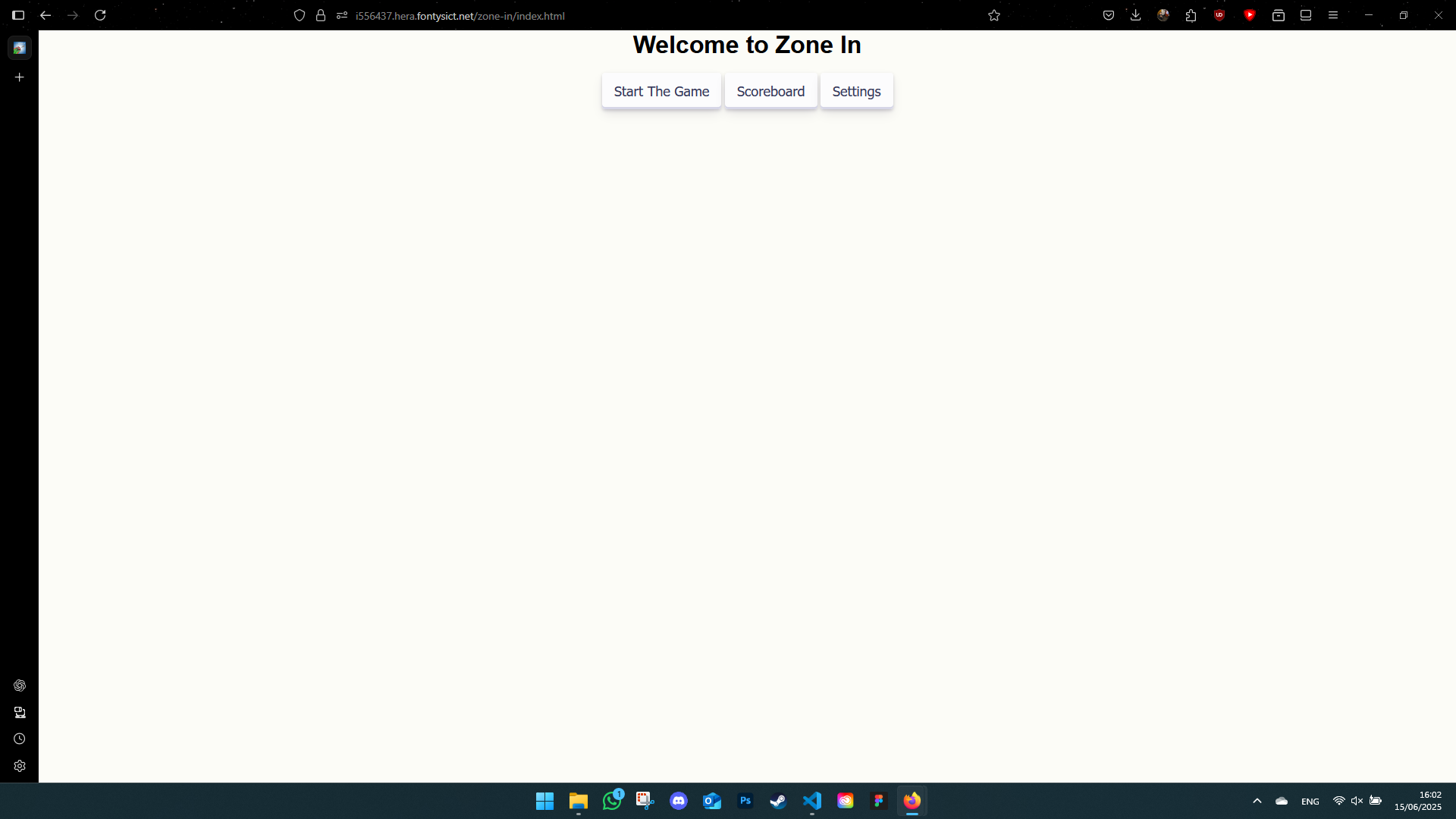
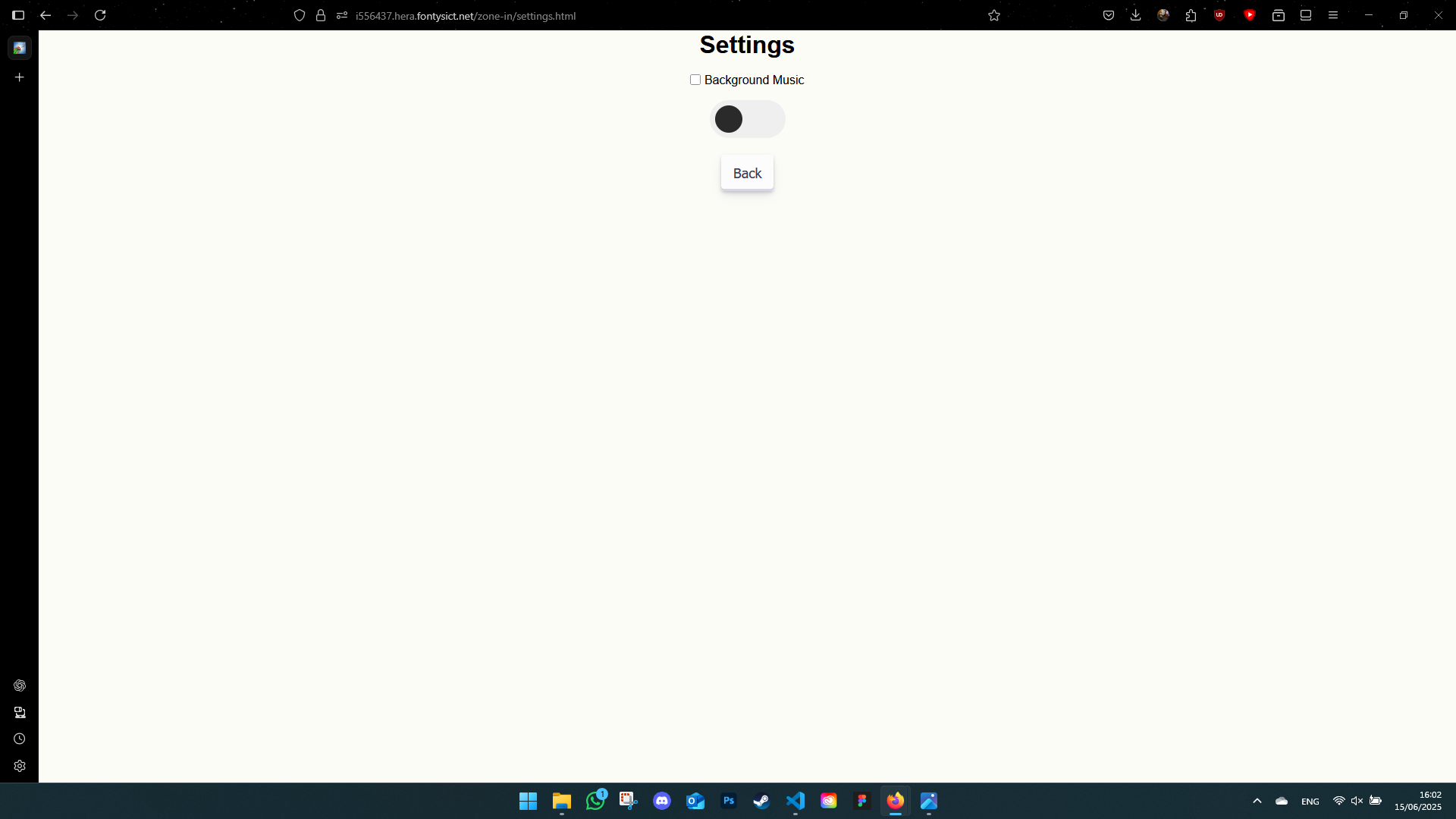
New Version Screenshots
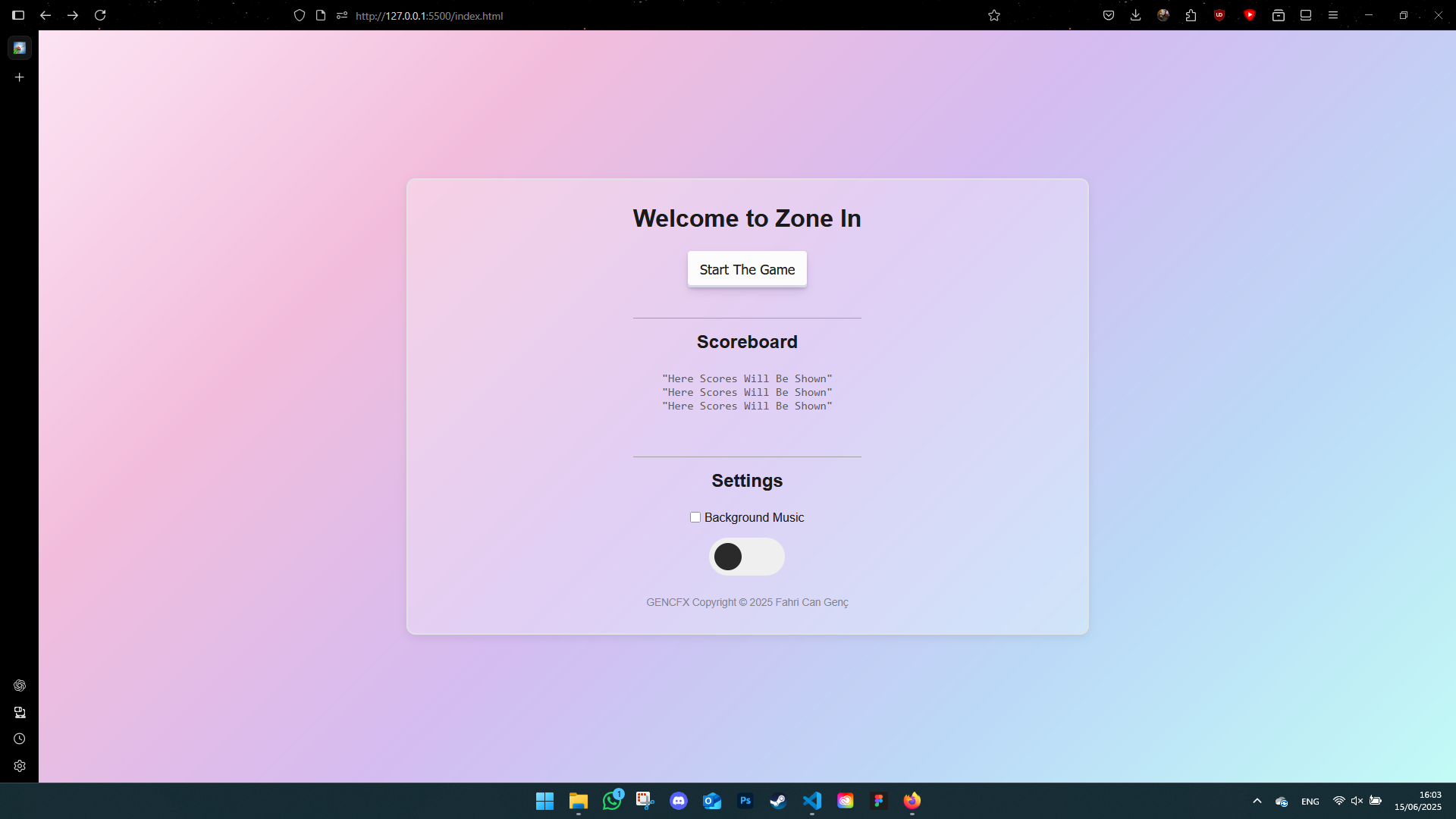
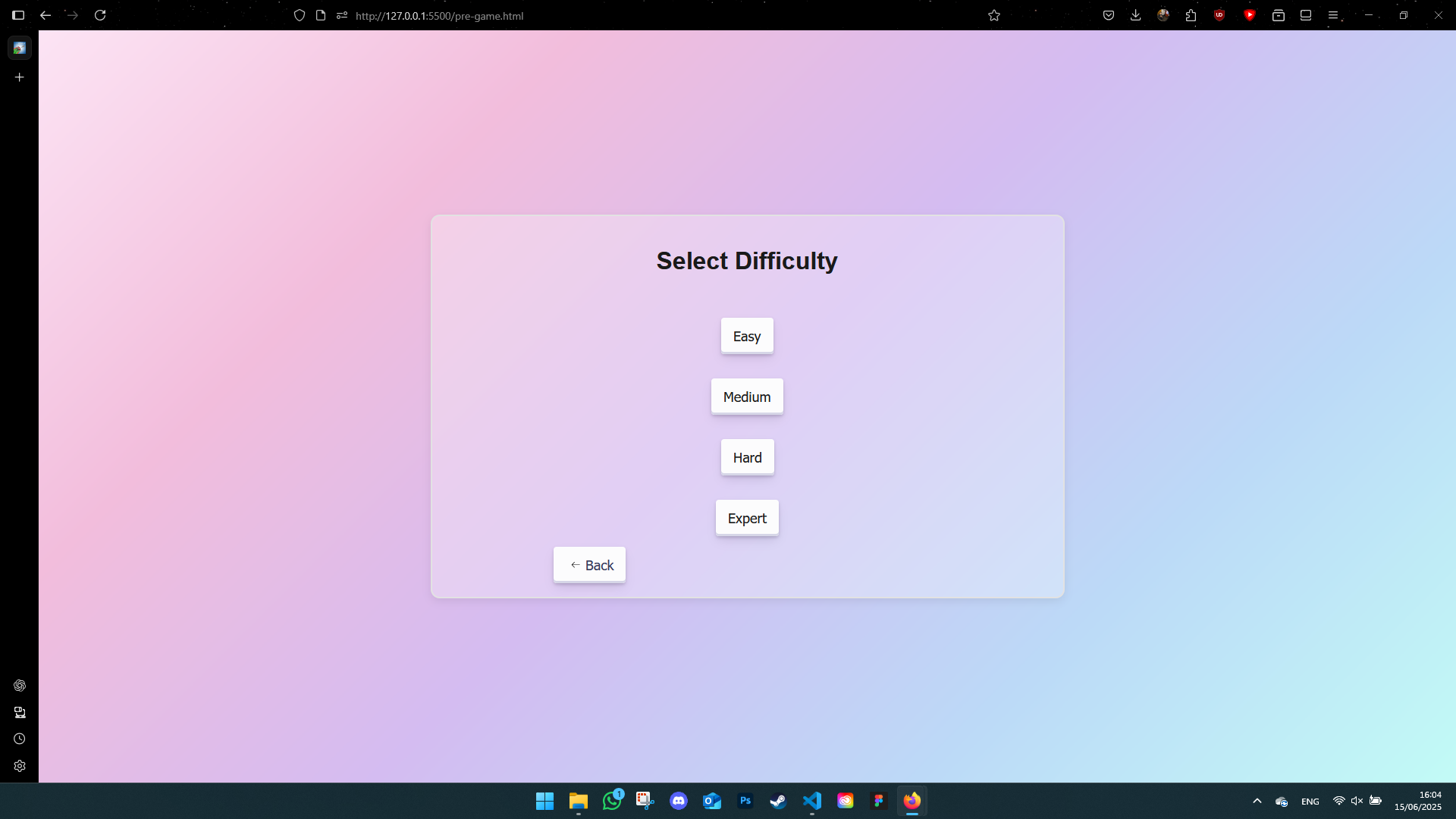
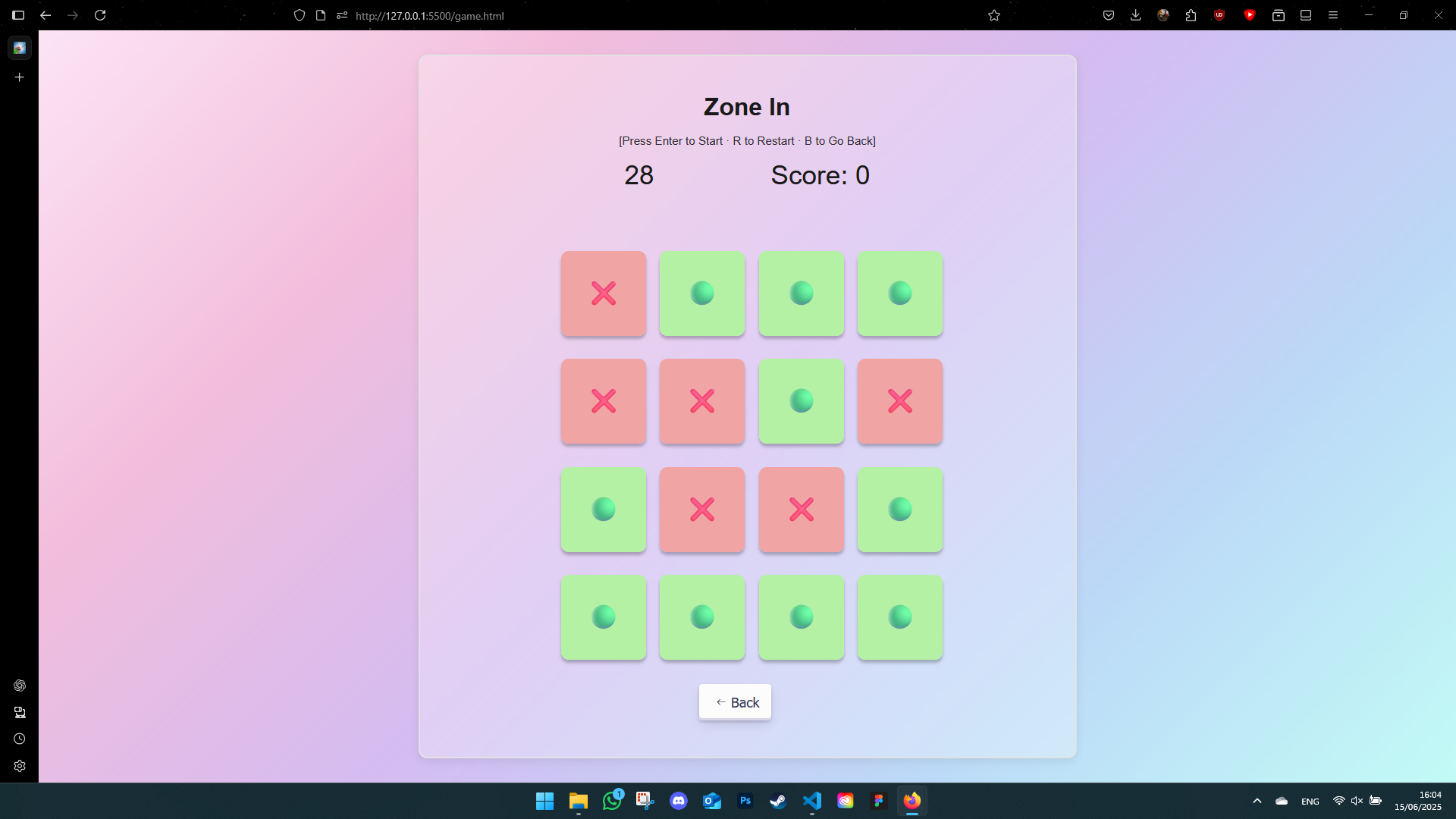
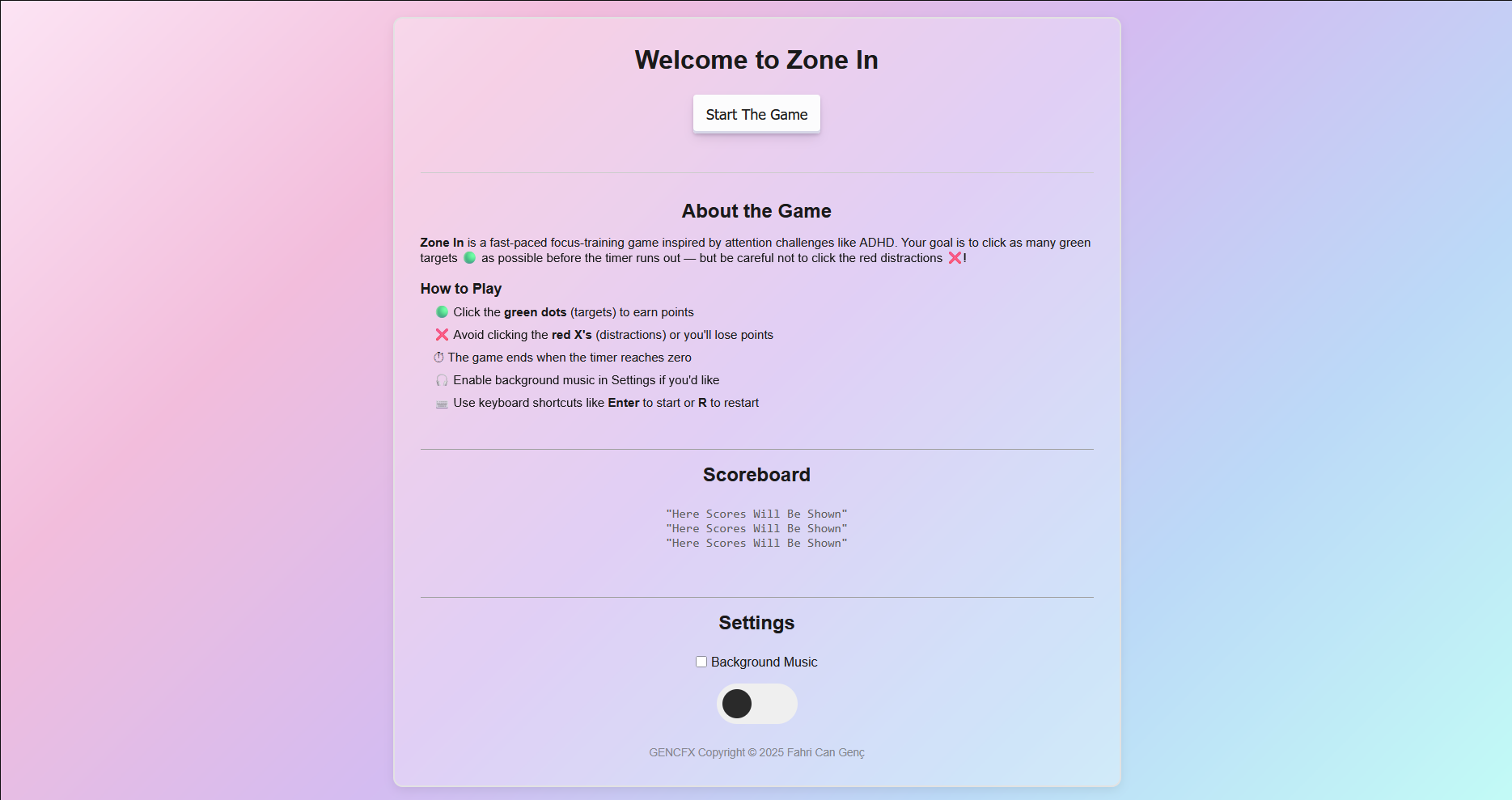
And here's the final version of the landing page:
Accessibility & Keyboard Shortcuts
- Enter: Start the game
- R: Restart
- B: Back to difficulty selection
- Q: Quit to main menu
Resources I Used
What I Learned
- How to build dynamic game logic with JavaScript
- How to use
localStoragefor saving settings - How to make a UI that responds to user feedback
- How sound and music can change the mood of a game
Reflection
Zone In started as an idea and grew into one of my favorite projects so far. I explored new areas like JavaScript game development, researched accessibility for ADHD, and got real feedback from real users. I still see places where it could be improved, but I'm proud of what I made — and I had a lot of fun in the process.